Best AI Writing Tools (2026)
AI writing tools have gone from novelty to necessity. Whether you need help drafting emails, writing blog posts, creating marketing copy, or just fixing grammar — there's a tool tuned for your use case. Here are the ones worth paying for.
How we evaluate AI writing tools
- • Output quality — accuracy, coherence, and ability to follow instructions
- • Speed — response time matters for workflow integration
- • Versatility — handles multiple writing styles and formats
- • Integration — works with your existing tools (Docs, Notion, email)
- • Price-to-value — what you get per dollar of subscription

OpenAI's premium ChatGPT subscription with GPT-4o access, code interpreter, DALL-E image generation, web browsing, and custom GPTs. The most widely used AI assistant.
Anthropic's premium AI assistant with Claude 3.5 Sonnet and Opus models. Known for nuanced reasoning, long-context analysis, and strong coding capabilities.

AI content platform built for marketing teams. Generates blog posts, ad copy, social media content, and email campaigns with brand voice customization.
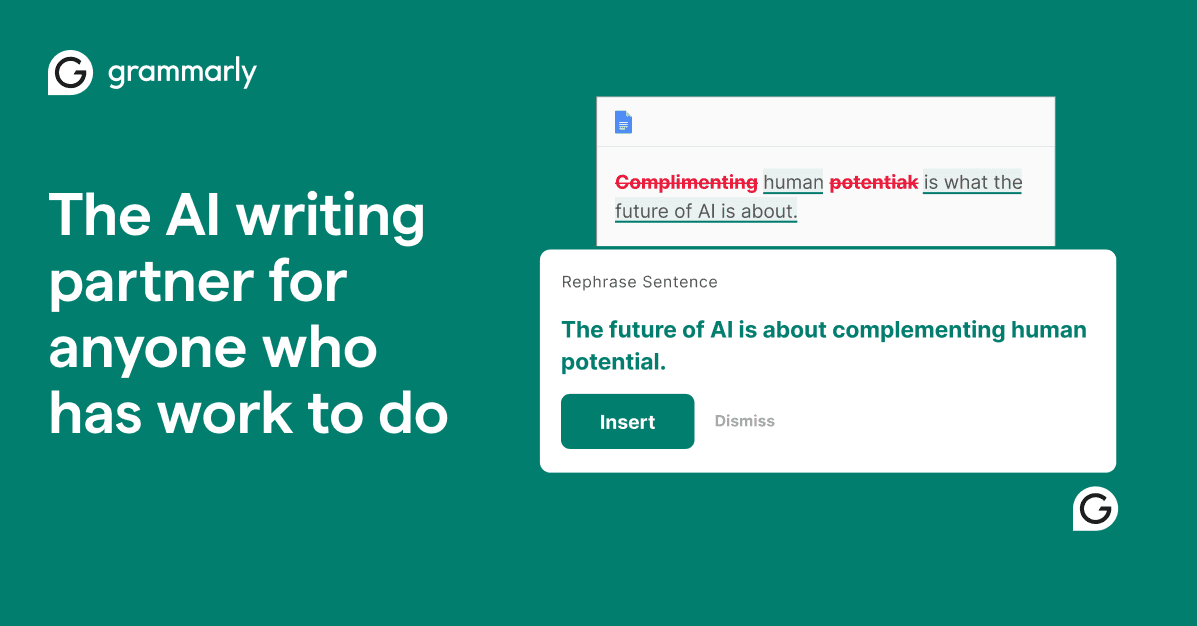
AI-powered writing assistant with grammar, spelling, tone, and clarity suggestions. Works across email, docs, and browsers. GrammarlyGO adds generative AI features.
AI writing and knowledge assistant built directly into the Notion workspace. Summarizes pages, generates content, edits writing, and answers questions from your workspace data.
ChatGPT vs Claude — Which Should You Choose?
Both are excellent general-purpose AI writers, but they excel at different things. ChatGPT is faster, has more integrations (plugins, DALL-E, browsing), and handles quick tasks well. Claude is better at long-form content, nuanced analysis, and following complex instructions with less hallucination. If you write blog posts or reports, Claude edges ahead. For quick emails and brainstorming, ChatGPT is snappier.
Is a Paid AI Tool Worth It Over Free Tiers?
If you write daily — yes, absolutely. Free tiers have rate limits, older models, and fewer features. The paid versions ($20/mo for ChatGPT Plus or Claude Pro) give you faster responses, longer context windows, and the latest models. For someone writing 1,000+ words daily, the time savings alone justify the cost within a week. For occasional use (a few emails per week), free tiers are fine.
Frequently Asked Questions
Can AI writing tools replace human writers?
Not entirely. AI excels at first drafts, outlines, rewording, and overcoming blank-page paralysis. But it still needs human editing for accuracy, voice consistency, and original insights. Think of AI as a writing partner that handles the mechanical parts while you focus on strategy and creativity.
Will AI-written content hurt my SEO?
Google has stated that AI content is fine as long as it provides value to readers. The key is quality, not authorship. Thin, unedited AI content will rank poorly — but well-edited AI-assisted content with original insights performs just as well as fully human-written content.
What's the best AI tool for academic writing?
Claude Pro is strongest for academic work due to its longer context window, ability to analyze sources, and lower hallucination rate. Grammarly is essential as a second layer for citation formatting and academic style. Never submit AI-generated content as your own academic work — use these tools for drafting, outlining, and editing.
Related Guides
More tools and gear for productivity power users.